

Description
🔥 RESET YOUR EPSON PRINTER WITH A RESETTER RESET KEY! 🔥
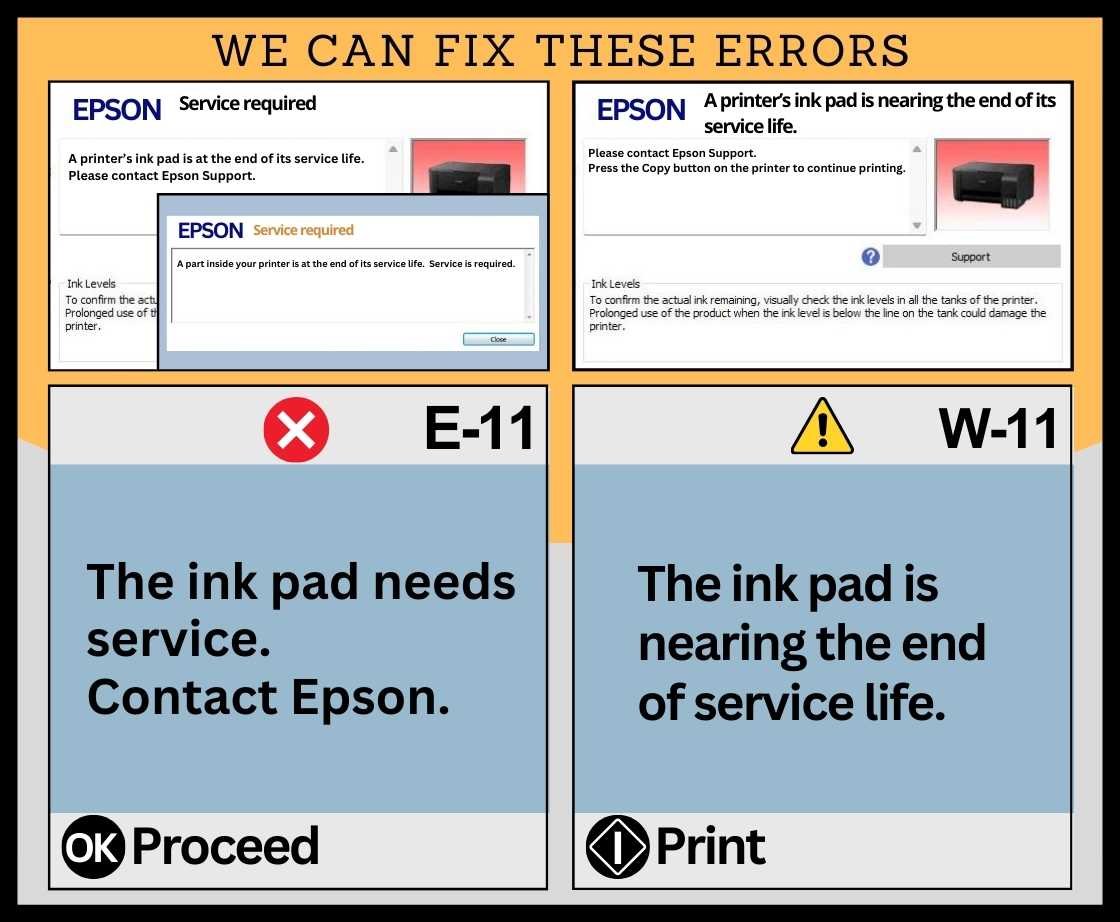
Is your Epson printer showing “Service Required”, “Ink Pad is at the End of Its Service Life”, or a Waste Ink Pad Counter error?
Click the Buy Now buttons to purchase a reset key


✅ Get a Resetter Reset Key and restore the waste ink counter through our supported Resetter service.
🔑 Why choose our Resetter Reset Key?
✔️ Fast and convenient activation
✔️ Designed for supported Epson printer models
✔️ Helps reset the Waste Ink Pad Counter back to 0% when the printer and model are supported
✔️ Simple guided process
✔️ Remote assistance available when needed
✔️ No need to bring your printer to a service center just for a counter reset
✔️ Ideal for printer owners, technicians, computer shops, and printing businesses
Download Resetter
🖨️ HOW IT WORKS
1. Purchase your Reset Key
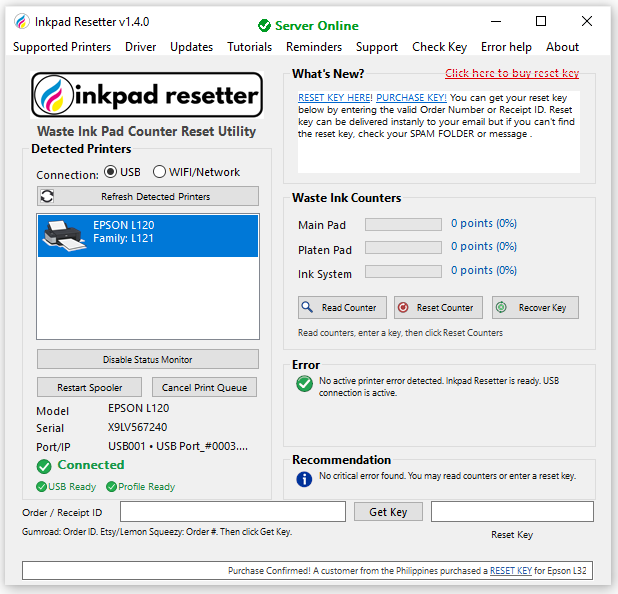
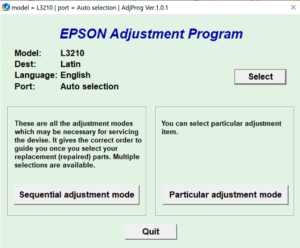
2. Download/Open the Resetter application
3. Connect your Epson printer by USB
4. Enter your Reset Key
5. Follow the reset procedure
6. Restart the printer and continue printing
💻 Windows Compatibility
✅ Windows 10 — 64-bit
✅ Windows 11 — 64-bit
For best results, connect the printer directly to the computer using a USB cable during the reset process.
🔐 Each Reset Key is an authorization token for the reset service, helping ensure controlled and secure use of the Resetter system.
⚠️ Important: Resetting the counter does not physically replace or clean the waste ink pads. If the pads are already saturated, proper inspection, cleaning, or replacement is recommended to prevent ink leakage.
Click the Buy Now buttons to purchase a reset key
📩 Need a Reset Key? Message us today!
🖨️ RESETTER — Resetting Made Easy
🔑 Get your Reset Key. Reset the counter. Get back to printing.

Reviews
There are no reviews yet.